


Firestore Browser
Navigate collections, documents, and subcollections with an intuitive tree view. Expand nested data effortlessly.
Browse Firestore, monitor Cloud Functions, and view live logs - all from your terminal

go install github.com/marjoballabani/lazyfire@latestcurl -L https://github.com/.../lazyfire_darwin_arm64.tar.gz | tar xz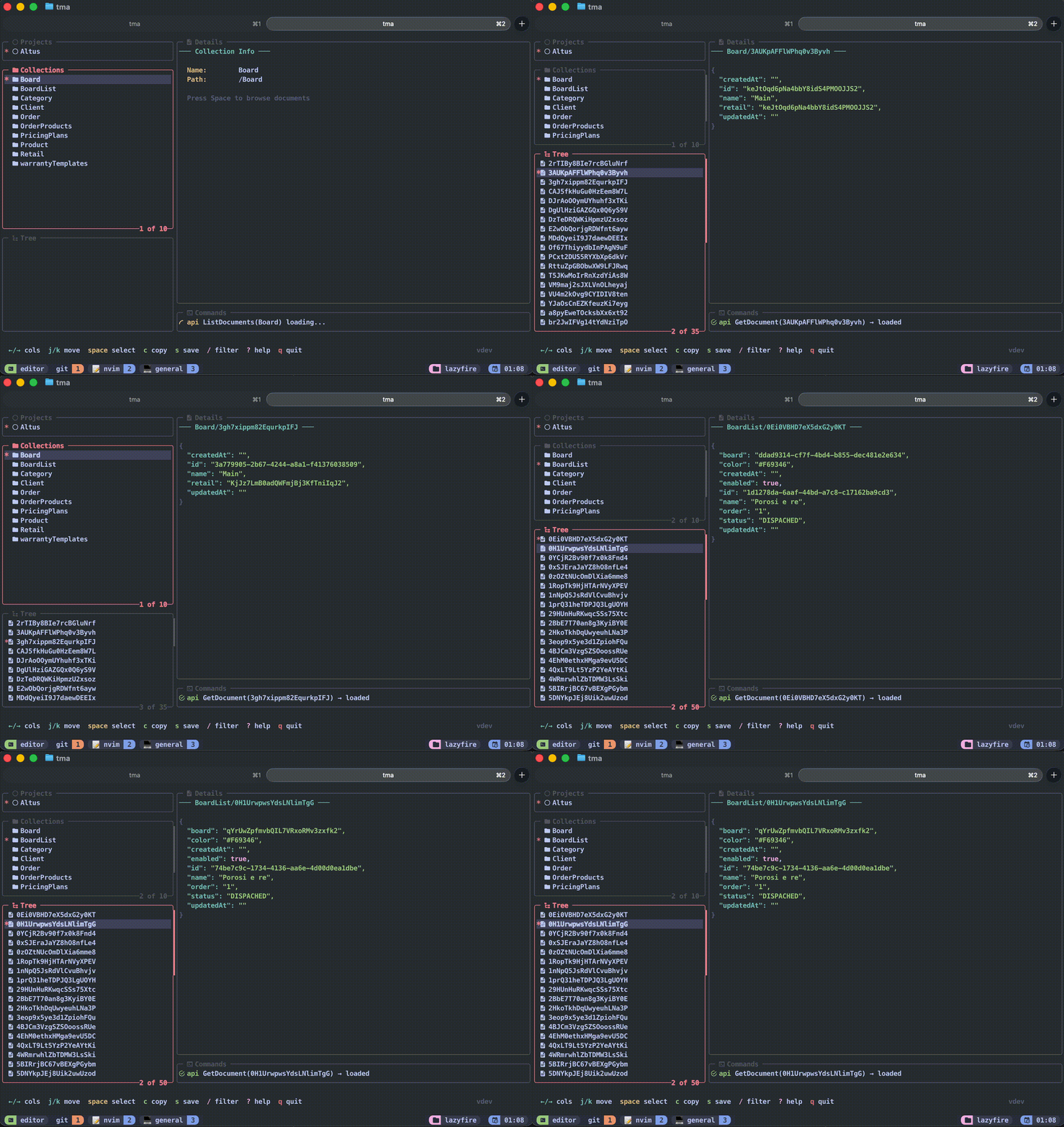


| Task | Firebase Console | LazyFire |
|---|---|---|
| Switch between projects | Click through menus | j/k + Space |
| Browse subcollections | Click, wait, click, wait | l to expand, h to collapse |
| Check document limits | Not available | Automatic color-coded stats |
| Scan collection health | Manual, one doc at a time | S scans all collections |
| Query documents | Web form with limited operators | Interactive builder with F |
| Copy document JSON | Select, copy, format | c key |
| View function logs | Separate Cloud Logging page | ] tab, same window |
Install LazyFire and start browsing your Firebase projects in seconds.


